Running a solo business usually means one thing: you’re the bottleneck. Client follow-ups, content creation, onboarding, scheduling—it all competes for your time. The good news? You no longer need expensive enterprise tools or bloated SaaS subscriptions to run a lean, automated operation. This guide breaks down the ultimate solo stack that automates client management and content workflows for under $100/month—without sacrificing professionalism, scalability, or quality. If you’re a freelancer, consultant, coach, or solo founder, this stack is built for you.
What This Solo Stack Is Designed to Do
Before tools, let’s align on intent. This stack is optimized to:
- Automate client onboarding & follow-ups
- Centralize client data and workflows
- Speed up content creation (blogs, emails, social posts)
- Reduce manual admin work
- Scale without hiring
All while staying budget-conscious and simple.
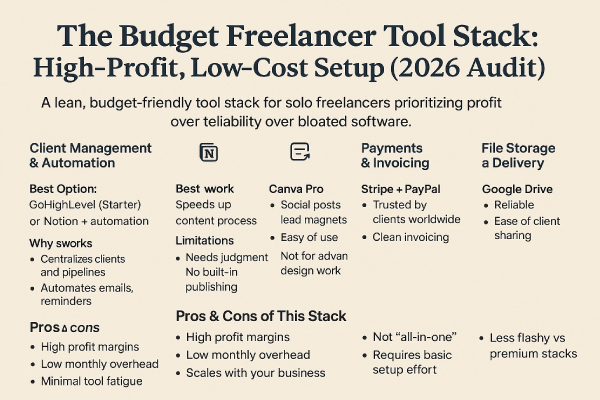
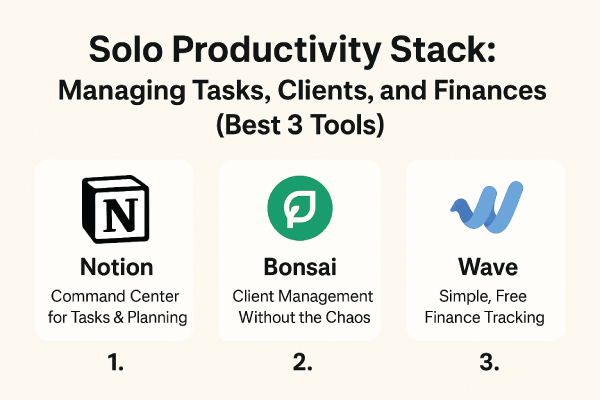
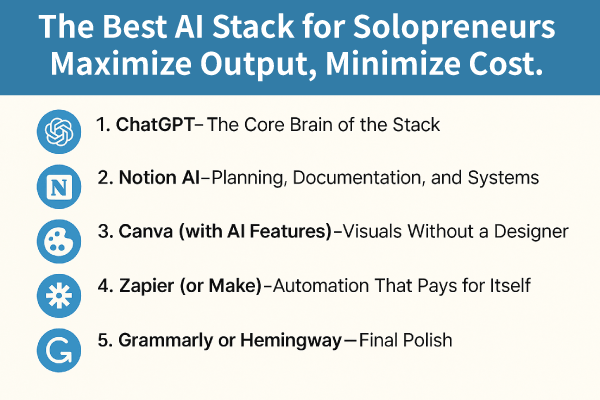
1: Notion — Your Command Center
Cost: Free (or ~$10 if you upgrade later)
Notion acts as the operating system for your solo business.
What to Use It For
- Client CRM (status, notes, contracts, payments)
- Content calendar & editorial pipeline
- SOPs and repeatable workflows
- Proposal and onboarding templates
Why It Works for Solos
Notion replaces:
- CRMs
- Project management tools
- Knowledge bases
All in one flexible workspace—without forcing complexity.
2: Tally Forms — Smart Client Intake (Free)
Cost: Free
Tally is an underrated weapon for solo operators.
Automations You Can Build
- Client onboarding questionnaires
- Lead qualification forms
- Content briefs from clients
- Feedback and testimonial collection
Pro Tip
Connect Tally to Notion so every form submission automatically:
- Creates a new client record
- Assigns a status
- Triggers your next workflow step
This alone removes hours of manual work.
3: Zapier — Light Automation Layer
Cost: ~$19/month (Starter)
Zapier connects everything quietly in the background.
High-Impact Automations
- New Tally form → New Notion client
- New client → Welcome email
- Content published → Social post draft created
- Missed follow-up → Reminder task generated
You don’t need complex multi-step zaps. A few high-leverage automations go a long way.
4: ChatGPT Plus — Content Engine
Cost: ~$20/month
This is where most solo stacks either shine—or fail.
Used correctly, ChatGPT becomes your:
- Blog writing assistant
- Email copywriter
- Social content generator
- Client proposal drafter
How to Use It Strategically
- Feed it your service positioning and brand voice
- Use structured prompts (outlines > drafts > edits)
- Pair with your Notion content calendar
This avoids generic output and creates consistent, scalable content fast.
#5: Simple Email Automation (MailerLite / ConvertKit)
Cost: Free–$10 depending on list size
For client nurturing and content distribution:
- Automated onboarding emails
- Follow-up sequences
- Newsletter delivery
Not required on day one—but powerful once content volume increases.
Total Monthly Cost Breakdown
- Notion: $0
- Tally Forms: $0
- Zapier: ~$19
- ChatGPT Plus: ~$20
- Email tool (optional): ~$0–10
Total: ~$39–$49/month
Well under the $100 limit, with room to scale.
Why This Stack Beats Expensive All-in-One Tools
Most “all-in-one” platforms:
- Lock you into rigid workflows
- Charge $50–$100 alone
- Overdeliver features you’ll never use
This solo stack is:
- Modular
- Replaceable
- Scalable
- Budget-efficient
You stay in control as your business evolves.
Who This Stack Is Perfect For
- Freelancers managing multiple clients
- Solo consultants and coaches
- Indie founders and creators
- Service businesses without a team
If you value leverage over hustle, this setup delivers.
The Smart Solo Automation Stack
You don’t need more tools—you need better systems.
This under-$100 solo stack:
- Eliminates admin drag
- Automates client workflows
- Speeds up content creation
- Scales with you, not against you
If you’re serious about running a lean, professional solo business, this setup isn’t optional—it’s foundational.